
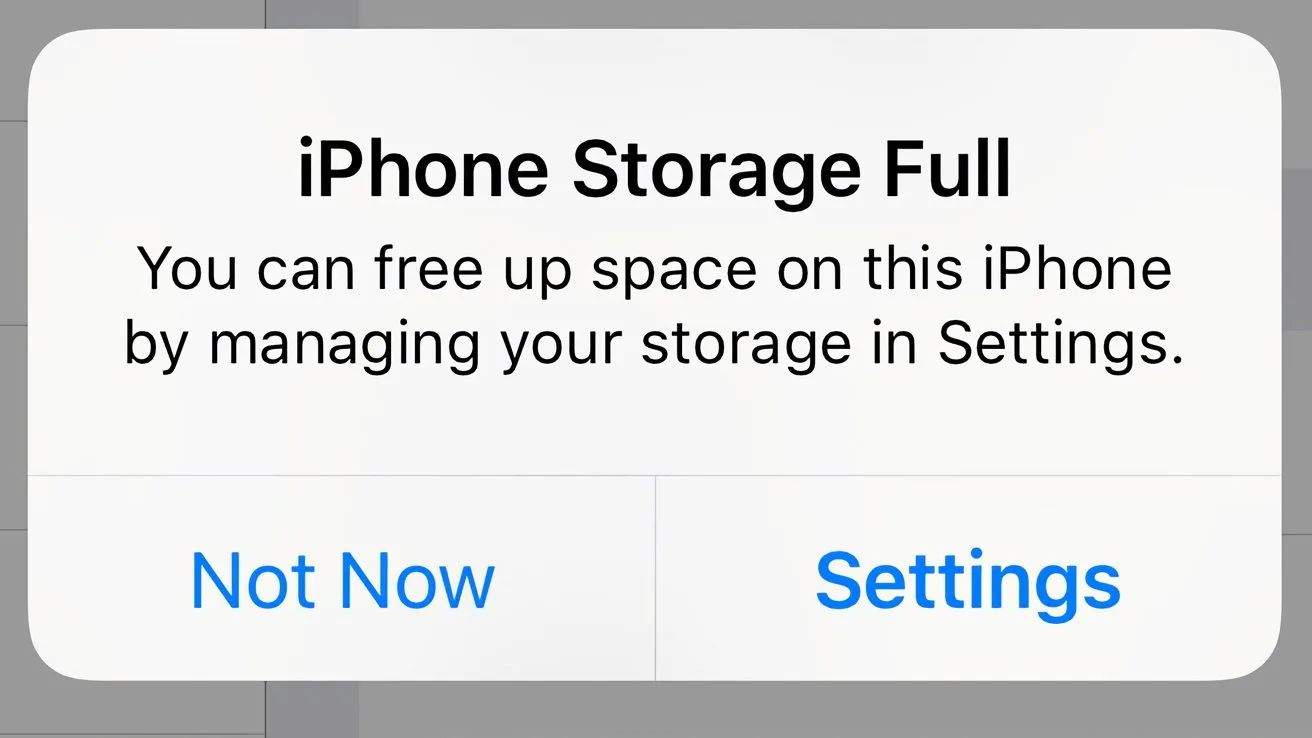
Your iPhone storage is still full after deleting photos mostly because the photos are not gone yet. iOS moves deleted photos and videos to the Recently Deleted album and keeps them there for 30 days before removing them for good, so emptying that album is the first fix. If the storage bar still barely moves, photos were probably not the main thing filling your phone: Settings > General > iPhone Storage shows how the space splits between Photos, Applications, iOS and System Data, and lists your apps by size. With iCloud Photos turned on, deleting a photo on your iPhone also deletes it from iCloud and your other devices, so it does not move photos off the phone; Optimize Storage does that instead.
The steps below are for iOS 27. Where iOS 26 or earlier differs, we say so.
Step 1: Empty Recently Deleted
- Open Photos, go to Collections, scroll down to Utilities and tap Recently Deleted.
- Unlock the album with Face ID, Touch ID or your passcode. iOS locks it by default.
- Tap Select, tap the items you want gone, then open the menu at the top right and choose Delete. (Recover puts them back in your library.) Each thumbnail shows how many days are left before iOS removes it.
This is permanent, so look through the album first if you might want something back. Apple gives the same advice for large ProRes videos: delete them in Photos, then delete them from Recently Deleted too.
Step 2: See what is actually using the space
Open Settings > General > iPhone Storage. The bar at the top splits your space into Photos, Applications, iOS and System Data. Under it, Recommendations suggest quick wins, and the list below shows your apps, here sorted by size. Start with the largest.
- Photos is large: tap Review Your Photos & Videos in the Recommendations, which shows how much it could free, or go on to Step 3.
- An app is large: tap it to offload or delete it. To offload apps you have not used for a while automatically, tap Enable next to Offload Unused Apps in the Recommendations. On iOS 26 and 27 the same switch is in Settings > Apps > App Store. Offloading removes the app and keeps its documents and data.
- Downloaded videos: review videos you saved for offline viewing in the TV app and other streaming apps, and delete the ones you have watched.
Step 3: If photos and videos are the problem
Find the big videos first. Long videos are usually the biggest individual files in a library, so start there. Photos lets you sort your library by date added or date captured and filter by media type, such as Videos, but it has no sort by file size. You can see one file's size by opening it and swiping up (or tapping Info). Apple does not describe a way to list your heaviest videos, so finding them by hand means opening clips one by one.
Merge duplicates. Since iOS 16, Photos can find duplicates and offer to merge them. Open Photos > Collections > Utilities > Duplicates. Merge keeps one copy and moves the rest to Recently Deleted, so repeat Step 1 afterwards.
If the Duplicates album is missing, your iPhone may still be indexing the library. Apple says detection runs while the iPhone is locked and connected to power, and it takes anywhere from a short while to several days. If indexing has finished and the album still does not appear, your iPhone found no duplicates.
Step 4: Check iCloud Photos
If iCloud Photos is on, deleting a photo on your iPhone deletes it from iCloud and from every device signed in to your account. You can check in Settings > [your name] > iCloud > Photos: the switch is called Sync this iPhone.
To keep full-size originals in iCloud and save space on the phone, turn on Sync this iPhone and choose the optimizing option. On iOS 27, go to Settings > [your name] > iCloud > Photos > iPhone Storage and choose Optimize Storage. On iOS 26 and earlier, the setting is called Optimize iPhone Storage. Your iPhone then keeps space-saving versions on the device, starting with the photos and videos you use least, and you can download the originals over Wi-Fi or cellular. The originals count against your iCloud storage, which is 5 GB on the free plan.
Where PhotoGO AI fits
Disclosure: PhotoGO AI is our app. It scans your photo library on the iPhone and groups duplicate and near-identical shots side by side, suggests the sharpest one to keep, collects screenshots and blurry photos, and lists your largest videos, which covers the part Step 3 describes as slow by hand. Everything you delete goes through iOS and lands in Recently Deleted, exactly like deletions you make in Photos, so repeat Step 1 after a cleanup. Scanning and sorting are free. The number of free deletions is limited, and PhotoGO Pro unlocks unlimited cleanups.
You can do every step in this guide without any app.
FAQ
Why is my iPhone storage full?
Photos, apps, iOS itself and System Data share the space. Settings > General > iPhone Storage shows how it splits on your iPhone; start with the largest category. If you just deleted photos and the number did not change, they are probably still in Recently Deleted, where iOS keeps them for 30 days.
Why is my iPhone storage still full after I deleted photos?
Two reasons are common. The photos may still be in Recently Deleted, where iOS holds them for 30 days. Or photos were never the main thing filling the phone, which iPhone Storage shows.
How long do deleted photos stay on an iPhone?
30 days in the Recently Deleted album, then iOS deletes them permanently. You can delete them sooner from that album.
Does emptying Recently Deleted free up space?
Yes. Deleting items from Recently Deleted removes them from the iPhone permanently, so their space can be used again. Apple recommends this for large ProRes videos.
If I delete a photo from my iPhone, is it deleted from iCloud too?
With iCloud Photos on, yes. The deletion syncs to your other devices and to iCloud, and the photo waits in Recently Deleted for 30 days.
Why can't I see the Duplicates album?
Duplicates needs iOS 16 or later. Your iPhone has to index the library first, which happens while it is locked and connected to power and can take several days. After indexing, the album appears only if duplicates were found.
