Best iPhone cleaner apps in 2026: 8 compared on price, features and privacy labels
Cleanup, Cleaner Kit, AI Cleaner, Swipewipe, Clever Cleaner, CleanMy®Phone, Slidebox and PhotoGO AI compared using App Store data, not hands-on tests.
What actually fills up an iPhone and how to clear it: duplicate photos, large videos and app caches.

Cleanup, Cleaner Kit, AI Cleaner, Swipewipe, Clever Cleaner, CleanMy®Phone, Slidebox and PhotoGO AI compared using App Store data, not hands-on tests.
Apple's method exports a smaller copy from iMovie. See how much smaller 720p, 540p and 360p get, and how to free the space afterwards.
Photos has no sort by file size. Use video length, the Videos collection and the Info panel to find the heavy clips, then delete or shrink them.
There is no swipe-to-delete in the Photos app. Here is the fastest built-in way to remove many photos, and what a swipe-style app adds.
The Duplicates album appears only after your iPhone has indexed the library, and only if it found duplicates. Here is how to tell which case you are in.
Duplicates album, bursts, manual review and apps: how to delete duplicate and similar photos on iPhone, and what each method catches.
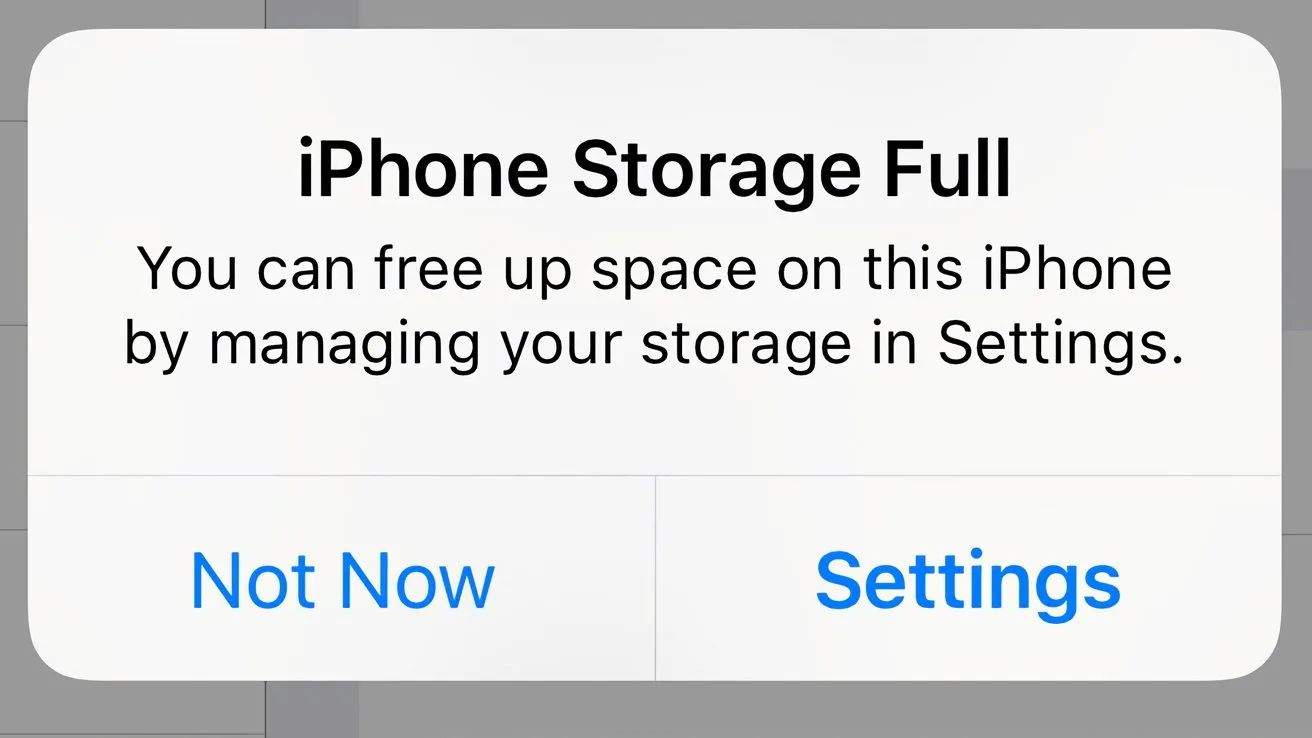
Deleted photos, but the storage bar barely moved? Check Recently Deleted first, then see what is really filling your iPhone.
This section collects step-by-step guides to iPhone storage: how to see what fills the phone, find duplicates and large videos, and free up space without losing what matters. Deleted photos stay in the Recently Deleted album for 30 days unless you empty it first.